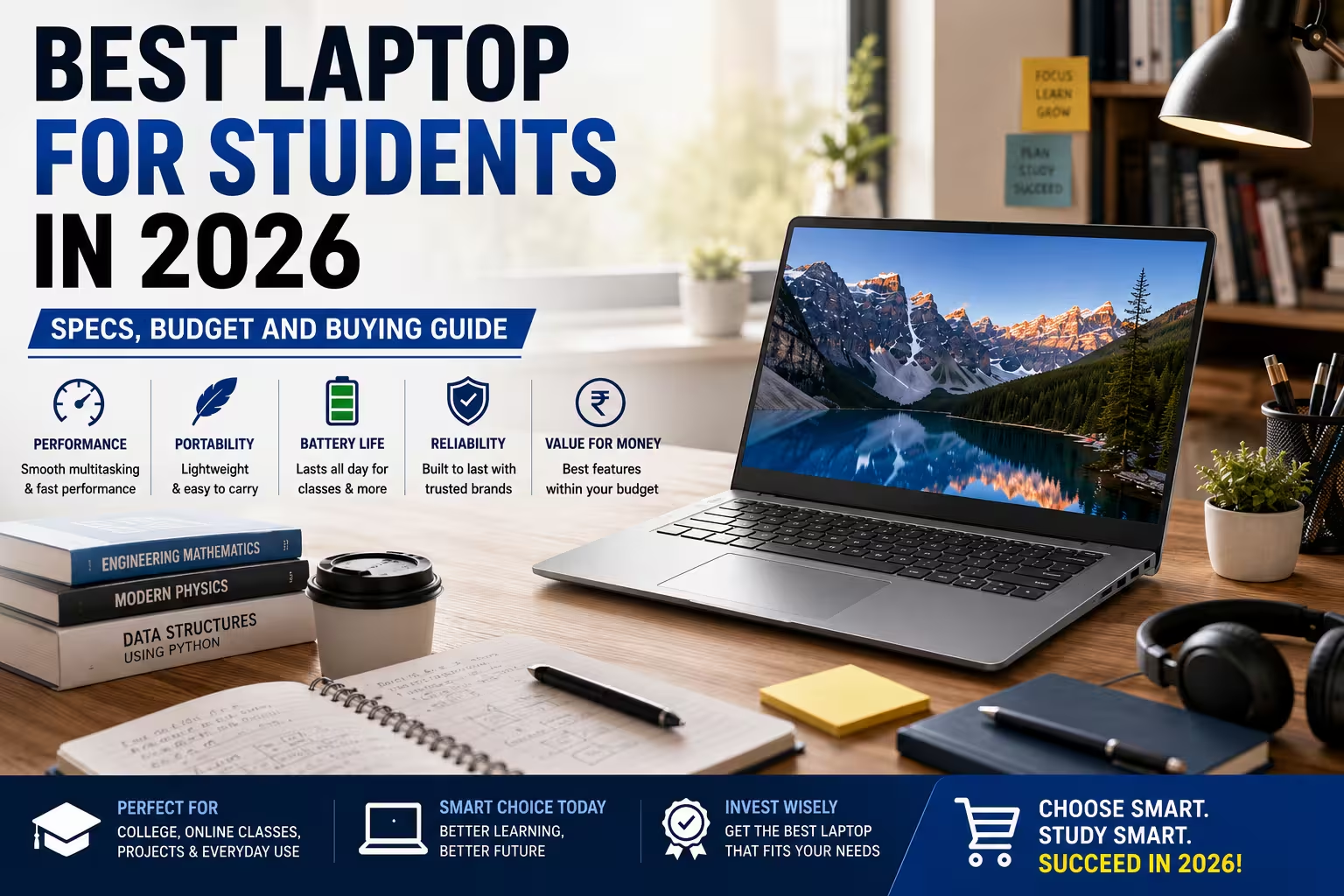
Choosing the best laptop for students in 2026 depends on who will use it, what they will study, when they need it, where they will use it, why they need a laptop, and how they plan to use it every day. Students need a laptop for assignments, online classes, research, presentations, coding, entertainment, and communication.
Therefore, the best student laptop should balance performance, battery life, portability, storage, RAM, and price. Moreover, current 2026 buying guides continue to focus on these factors instead of simply choosing a laptop based on its brand or processor name.
What Makes a Good Student Laptop in 2026?
A student laptop does not always need the most powerful hardware.
Instead, it should provide enough performance for your actual academic work. For example, a humanities student may need a laptop mainly for documents, research, presentations, and video calls. Meanwhile, a computer science student may need more RAM and processing power for coding and development tools.
Similarly, engineering, design, and video-editing students can need stronger hardware.
Therefore, your course should influence your laptop choice.
A good student laptop should ideally offer:
- A capable modern processor
- 8GB to 16GB RAM
- 512GB SSD storage
- Good battery life
- A comfortable keyboard
- A clear display
- Reliable Wi-Fi
- Useful USB and display ports
- A portable design
- Good build quality
Moreover, 16GB RAM and 512GB SSD are increasingly common recommendations for students who want better multitasking and longer useful life.
How Much Should Students Spend on a Laptop?
Your budget should match your actual requirements.
However, spending more does not automatically mean getting the right laptop.
Under ₹30,000
This range can work for basic tasks.
For example, students can use a suitable laptop for:
- Web browsing
- Online classes
- Documents
- Presentations
- Basic entertainment
However, you should carefully check the processor, RAM, storage, and Windows compatibility.
₹30,000 to ₹50,000
This range can offer better everyday performance.
Therefore, students can look for Core i3, Ryzen 3, or comparable processors, along with sufficient RAM and SSD storage.
A good configuration can handle college assignments, browsing, video calls, and basic productivity.
₹50,000 to ₹70,000
This is an interesting range for students who want more performance.
For example, you can find laptops with stronger Core i5, Ryzen 5, or newer processor options. Furthermore, 16GB RAM and 512GB SSD configurations become more attractive in this segment.
Above ₹70,000
Students with demanding requirements can consider this range.
For instance, engineering, design, programming, video editing, AI, and 3D workloads may justify a more powerful laptop.
However, do not buy expensive hardware unless your studies actually require it.
How Much RAM Does a Student Need?
RAM is important because it affects multitasking.
For basic student work, 8GB RAM can still handle documents, browsing, online classes, and everyday applications.
However, 16GB RAM is a better target for 2026 if your budget allows it. It provides more room for multiple browser tabs, coding tools, productivity applications, and other software.
For example, a student can keep Chrome, Word, Excel, a PDF reader, and a video meeting open at the same time.
Therefore, 16GB can provide a more comfortable experience.
Students studying programming, engineering, design, or content creation should especially consider 16GB.
Is 512GB SSD Enough for Students?
For most students, 512GB SSD storage is a practical choice.
It provides enough space for:
- Windows
- Applications
- College projects
- Documents
- Photos
- Videos
- Coding projects
- Presentations
Moreover, an SSD provides faster system responsiveness than a traditional HDD.
As a result, Windows can boot faster, applications can open more quickly, and files can load with less waiting.
If you store large video files or professional design projects, however, you may need more storage.
Which Processor Is Best for Students?
The processor should match your workload.
For basic academic work, a modern entry-level processor can be enough.
However, students who want better multitasking should consider a mid-range processor such as a modern Intel Core 5/Core i5 or AMD Ryzen 5-class processor.
For demanding coding, engineering, editing, or AI workloads, you may need a higher-performance processor.
Importantly, do not compare processors only by names such as “i5” or “i7.”
Processor generation and architecture also matter.
Therefore, a newer mid-range processor can sometimes be a better choice than an older high-end processor.
Best Laptop for Engineering Students
Engineering students can have different requirements depending on their specialization.
For example, basic programming and documentation may not require powerful graphics.
However, students using CAD, simulation, 3D applications, or engineering software may need stronger processing and graphics performance.
A practical engineering laptop can include:
- Modern Core i5/Core 5 or Ryzen 5
- 16GB RAM
- 512GB SSD
- Full HD display
- Good cooling
- Dedicated GPU when required
Therefore, check the software requirements of your course before buying.
Best Laptop for Computer Science Students
Computer science students often need a laptop for coding, development, databases, browsers, and project work.
Therefore, RAM and processor performance matter.
A good starting configuration is:
Processor: Modern Core i5/Core 5 or Ryzen 5-class processor
RAM: 16GB preferred
Storage: 512GB SSD
Display: Full HD
Battery: Good everyday battery life
Moreover, students working with virtual machines, containers, Android development, or large projects may benefit from more RAM.
Best Laptop for Design Students
Design students should focus on display quality as well as performance.
For example, Photoshop, Illustrator, Figma, and similar applications can benefit from a good screen.
Therefore, check:
- Color accuracy
- Resolution
- Brightness
- Screen size
- RAM
- SSD capacity
Furthermore, students doing 3D modeling or advanced video work may need a dedicated GPU.
Consequently, a thin-and-light laptop is not always the best choice for every design student.
Best Laptop for Online Classes
Online classes do not require extremely powerful hardware.
Instead, focus on practical features.
A good online-learning laptop should have:
- A clear webcam
- Good microphone
- Reliable Wi-Fi
- Comfortable keyboard
- Good battery
- SSD storage
- Enough RAM
Moreover, a lightweight design makes it easier to move the laptop around the home or college.
Therefore, students should prioritize usability rather than gaming-level specifications.
Battery Life Matters for Students
Battery life is often overlooked.
However, students may spend several hours in lectures, libraries, classrooms, or study areas.
Therefore, a laptop with good real-world battery life can be more useful than a powerful laptop with poor endurance.
Moreover, efficient processors can help reduce power consumption.
Before buying, check independent battery tests when available. Manufacturer battery claims can vary from real-world usage.
Portability and Weight
Students frequently carry their laptops.
Therefore, weight matters.
A 13-inch or 14-inch laptop can be easier to carry than a large 15.6-inch or gaming laptop.
However, larger screens can provide more workspace.
As a result, the right size depends on your lifestyle.
If you travel to college every day, prioritize portability. On the other hand, if you mainly use the laptop at home, a larger screen may be more comfortable.
Should Students Buy a Refurbished Laptop?
Yes, a refurbished laptop can be worth considering.
In fact, it can provide stronger hardware within a smaller budget.
For example, a refurbished business laptop may offer a Core i5 processor, 16GB RAM, and 512GB SSD for less than a comparable new laptop.
Moreover, business-class laptops often provide practical keyboards, useful ports, and durable designs.
However, check the condition carefully.
Before buying, verify:
- Battery health
- SSD health
- RAM
- Processor
- Display condition
- Keyboard
- Touchpad
- Webcam
- Ports
- Charger
- Windows license
- Warranty
Therefore, a refurbished laptop can be a smart student purchase when you buy from a reliable seller.
Common Mistakes Students Should Avoid
Many students focus only on processor names.
However, that can lead to a poor buying decision.
Buying Too Much Performance
You may not need a gaming laptop for basic college work.
Therefore, avoid paying for a dedicated GPU if your course does not require it.
Choosing Only 8GB RAM
8GB can work for basic tasks. However, 16GB can provide better multitasking and longer usability.
Ignoring the Display
A poor display can make long study sessions uncomfortable.
Therefore, check resolution, brightness, and viewing quality.
Ignoring Battery Health
This is especially important for refurbished laptops.
A laptop with excellent specifications is less useful if its battery performs poorly.
Buying Based Only on Brand
A famous brand does not guarantee the best configuration for your budget.
Instead, compare specifications, condition, warranty, and after-sales support.
Student Laptop Buying Checklist
Before purchasing your laptop, check these points:
- Check the processor generation
- Choose 8GB or preferably 16GB RAM
- Prefer a 512GB SSD for general use
- Check battery life
- Check display quality
- Check laptop weight
- Check keyboard comfort
- Check webcam and microphone
- Check Wi-Fi and Bluetooth
- Check available ports
- Check warranty
- Check Windows license
- Compare the final price
Best Student Laptop by Study Requirement
| Student Type | Recommended Focus |
| General students | 8GB–16GB RAM, 512GB SSD |
| Business students | Core i5/Core 5 or Ryzen 5, 16GB preferred |
| Computer Science | 16GB RAM, 512GB SSD, capable processor |
| Engineering | 16GB RAM, strong CPU, dedicated GPU if required |
| Design | Good display, 16GB RAM, 512GB SSD |
| Video editing | Strong CPU, 16GB–32GB RAM, dedicated GPU |
| Online learning | Good webcam, battery, Wi-Fi, portability |
| Gaming students | Dedicated GPU, strong cooling, higher-performance CPU |
Frequently Asked Questions
Which laptop is best for students in 2026?
The best laptop depends on your course, budget, and workload. For many students, a laptop with 16GB RAM, 512GB SSD, a capable modern processor, and good battery life provides a strong balance.
Is 8GB RAM enough for students?
Yes, 8GB can handle basic study tasks. However, 16GB is preferable for multitasking, coding, and longer-term use.
Is 512GB SSD enough for college?
Yes. A 512GB SSD is enough for most students’ documents, applications, projects, and media. However, students working with large video or design files may need more storage.
Should students buy a refurbished laptop?
Yes. A refurbished laptop can offer better specifications at a lower price. However, always check battery health, SSD health, physical condition, warranty, and Windows licensing.
Which processor is best for students?
A modern mid-range Intel Core or AMD Ryzen processor is enough for many students. However, demanding engineering, editing, AI, and 3D workloads may require stronger hardware.
Is a gaming laptop good for students?
It can be useful for students who need gaming or GPU-intensive software. However, gaming laptops are often heavier and can have shorter battery life.
What is the best laptop size for college students?
A 13-inch or 14-inch laptop offers excellent portability. Meanwhile, a 15.6-inch model can provide more screen space for multitasking.
Final Verdict
The best laptop for students in 2026 is not necessarily the most expensive laptop. Instead, it is the laptop that matches your course, budget, and everyday workload.
For most students, a modern processor, 16GB RAM, 512GB SSD, good battery life, comfortable keyboard, and portable design provide a strong starting point. Current student-laptop guides also emphasize balancing performance, portability, battery life, and price rather than simply chasing premium specifications.
However, requirements can change by subject. Therefore, engineering, computer science, design, video editing, and gaming students should choose specifications based on their software needs.
Finally, if your budget is limited, consider a quality refurbished business laptop. With the right configuration and condition, it can deliver the performance you need while keeping your education budget under control.